

A solar inverter code can appear after a brief grid disturbance, a hot afternoon, or a genuine system fault. Knowing how to read inverter fault codes helps you record the right information and avoid losing generation for longer than necessary. It does not mean opening the inverter or trying to reset a fault repeatedly – electrical and solar DC work should be left to a licensed electrician.
The useful first step is to treat the code as a clue, not a diagnosis. The same display message can have different causes depending on your inverter model, the local grid conditions, the age of the installation and what has happened recently at the property.
Start with the inverter display and status light
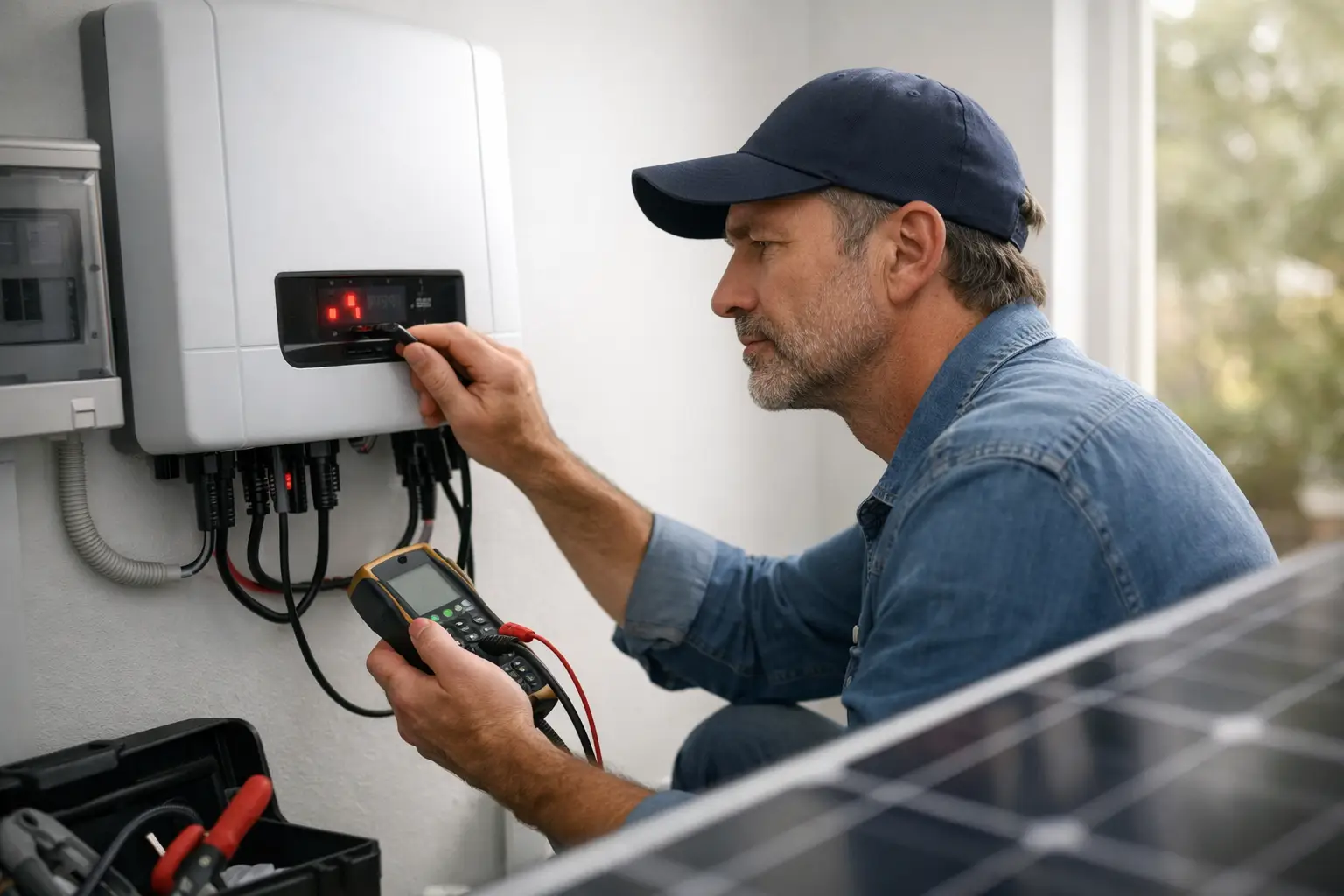
Most inverters communicate a problem in three ways: a status light, a message on the screen or monitoring app, and a fault or event code. Take a clear photo of the display before pressing any buttons. Also note the time, weather conditions, and whether the inverter is producing power or has shut down.
A green light generally means normal generation. Blue, flashing green or pulsing lights may indicate start-up, communication activity or standby mode, depending on the manufacturer. Orange or red commonly signals a warning, fault or grid disconnection. The light alone is not enough to identify the issue, but it gives useful context for the code.
If the screen alternates between several messages, photograph each one. Some systems display a primary code and a secondary code. The secondary code may identify the affected string, phase, communication module or internal component.
How to read inverter fault codes without guessing
First, write down the inverter brand, model and full code exactly as shown, including letters, hyphens and numbers. For example, a message such as “Grid Fault”, “Isolation Fault” or “Error 102” is not interchangeable with another inverter brand’s version of the same wording. Manufacturers use their own code libraries, and software updates can change descriptions.
Then check the inverter’s operating state. A message may be marked as an event, warning, alarm or fault. These labels matter:
- An event is often a recorded condition, such as the grid voltage moving outside the inverter’s permitted range for a short period.
- A warning means the system has detected an abnormal condition but may still be generating, possibly at a reduced output.
- A fault usually means the inverter has stopped exporting power to protect itself, your property, or the electricity network.
- A permanent fault or internal error generally requires professional assessment, particularly if it returns after the inverter has completed its normal restart process.
The inverter manual or manufacturer support documentation is the correct reference for the code. Use the exact model number, not just the logo on the inverter. If the system is connected to a monitoring portal, compare the live status with the event history. A one-off grid event that cleared within minutes is different from the same alarm occurring every afternoon for several days.
Common inverter messages and what they can mean
Grid voltage or grid frequency fault
Grid-related codes are among the most common. Your inverter is required to disconnect when voltage or frequency at its connection point falls outside allowable limits. This is a safety function, not necessarily an inverter failure.
A brief grid fault can follow an outage, storm activity or network switching. If normal operation resumes and the event does not repeat, recording it may be all that is required. Repeated grid voltage faults, especially during high solar production, need investigation. They can be related to supply voltage, a connection issue, undersized cabling, poor terminations or voltage rise within the property.
Do not assume the network is always responsible. Testing at the switchboard and inverter connection point is needed to establish what is happening.
Isolation fault or earth fault
An insulation resistance, isolation or earth fault code should be taken seriously. It can indicate that DC cabling, connectors, rooftop wiring or an affected panel is allowing current to leak to earth. Water ingress, UV-damaged cable, pest damage, damaged connectors and storm-related panel damage are possible causes.
The inverter may carry out an automatic insulation check at start-up and refuse to generate if the result is outside safe limits. Do not attempt to disconnect solar plugs, remove covers or test the DC side yourself. Solar cables remain live whenever panels are exposed to daylight, even when the inverter is switched off.
Arc fault message
Some modern inverters can detect electrical arcing. An arc can occur where a connection is loose, damaged or deteriorated, and it presents a potential fire risk. If an arc-fault code appears, leave the system alone and arrange prompt assessment by a suitably qualified solar electrician. If there is burning smell, visible damage, smoke or unusual noises, keep clear of the equipment and contact emergency services if there is immediate danger.
Over-temperature or fan fault
An inverter can reduce output or stop when internal temperature is too high. On a very hot Canberra summer day, temporary derating may be normal, particularly where the inverter is installed in direct sun, a confined garage or an unventilated enclosure.
However, an ongoing over-temperature code can point to blocked ventilation, dust, insect nests, failed cooling fans or an ageing inverter. Check only what is safe to observe from outside: clear items stored against the inverter and make sure its vents are not covered. Do not spray it with water or open its casing.
PV input, string or low-generation fault
Codes relating to PV input voltage, DC current, string failure or panel communication can indicate a problem on one section of the array. The symptoms may be subtle. The system may still generate, but at a lower level than expected.
Possible causes include a failed optimiser, damaged panel, disconnected string, deteriorated connector, blown DC protection device or shading changes. A health check compares string voltages, insulation readings, inverter data and physical rooftop condition so the actual cause can be separated from normal seasonal variation.
Communication or monitoring error
A communication error often affects reporting rather than generation. Your inverter may be producing normally while the app shows no data because the Wi-Fi router changed, the monitoring device lost connection, or the mobile signal is weak.
Check the inverter display first. If it shows normal operation and production, the issue may be limited to monitoring. If the display also reports a fault or no generation, it needs a wider system assessment.
Check what changed before the code appeared
The circumstances around a fault can save time during diagnosis. Think about whether there was a blackout, lightning, hail, heavy rain, roof work, renovations, switchboard work or a recent internet change. Also consider whether the inverter has been shutting down at a similar time each day.
Repeated afternoon faults often point to heat or voltage conditions. Faults after rain can suggest water ingress. A sharp and lasting drop in production after hail may warrant an inspection for panel damage, even where the glass appears intact from ground level.
For older systems, isolators, rooftop connectors and cable insulation deserve particular attention. These components work through years of heat, cold, rain and ultraviolet exposure. A fault code may be the first visible sign that age-related maintenance is due.
What you can do safely before calling an electrician
Record the code and take photos of the inverter display, status lights and any visible external damage. Check whether the main house power is on and whether there has been a local outage. Review the monitoring app for the timing and frequency of the issue.
If the manufacturer’s instructions specifically allow a normal restart, follow them once only and wait for the stated reconnection period. Many inverters deliberately wait several minutes before reconnecting to the grid. Repeatedly cycling AC and DC isolators can obscure the fault history and may make diagnosis more difficult.
Avoid opening switchboards, removing inverter covers, accessing the roof, unplugging solar connectors or resetting protection devices that continue to trip. Those actions create avoidable electrical risk and can turn a small fault into a larger repair.
When a fault needs professional testing
Arrange an electrician-led inspection when the code repeats, the inverter remains in fault mode, production has dropped noticeably, or there is any sign of water ingress, heat damage, cracked equipment or damaged cabling. Isolation, arc and internal inverter faults should be assessed promptly.
For ACT solar owners who receive a notice about anti-islanding testing, the inverter must also be tested in line with the required process. This confirms it disconnects correctly during a supply outage and does not continue feeding electricity into the grid. It is a compliance and safety requirement, not simply a paperwork exercise.
A proper visit should go beyond clearing the code. It should establish whether the issue is with the inverter, the grid connection, DC wiring, panels, isolators, monitoring or system configuration, then provide clear repair recommendations where needed.
A fault code is useful because it gives the investigation a starting point. Record it accurately, resist the temptation to experiment with live solar equipment, and act early when the fault keeps returning. That is the practical way to protect both the safety and the return from your solar system.
Leave a Reply